
UpdateOct 5, 2026 · Solo and above · 2 min read
Pinterest publishing
Approved image posts now publish to Pinterest as pins on a board Rebbel keeps for your brand. Nothing is pinned until you approve. Setup is in the guide.
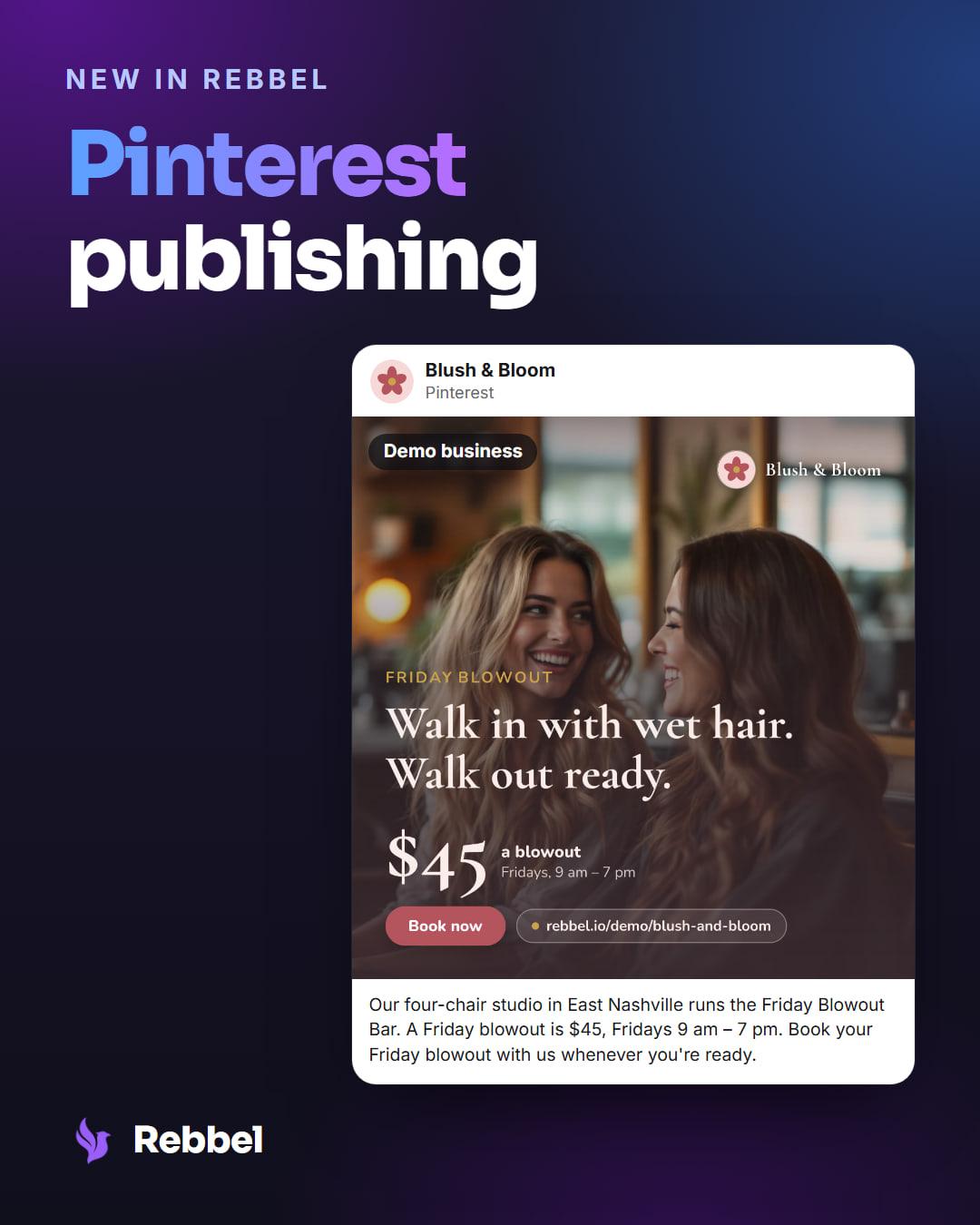
Connect a Pinterest account and the posts you approve for it go out as pins, on the same approval step as every other channel.
At a glance
- Plans
- Solo and above
- Posts
- One image or video per pin
- Board
- One Rebbel keeps for you
- Goes out
- Only after you approve it
Why we built it
People go to Pinterest to plan what to buy, make or visit next, and a pin keeps getting found long after the day it went up. For a small brand with good pictures, that is reach that keeps working.
The pictures usually exist already. What gets skipped is the posting, so Pinterest is now one more channel your marketing department posts to.
How it works
You connect on Pinterest's own sign-in page from your brand's Connections page. The first time a post publishes, Rebbel finds a board on your account named Rebbel, or makes one, and every approved post becomes a pin there. The post's caption becomes the pin's description.
Once a pin is up it's yours: move it to any board or edit it on Pinterest. With a Pinterest business account, each pin's impressions and saves show on your Results page, usually about a day after it goes up.
Every pin is a picture or a video, and Rebbel tells you before you approve if a post needs one.
Who it's for
- Brands whose products, places or work photograph well.
- Available on Solo, Growth and Department.
Set it up
- Connect Pinterest from your brand's Connections page.
- Approve a post with an image for Pinterest.
- It publishes as a pin on your Rebbel board.
The full walkthrough: Connect Pinterest.
Good to know
- Rebbel only posts what you approve.
- One image or video per pin.
- Impressions and saves need a Pinterest business account.
Keep reading
UpdateSep 9, 2026 · Solo and above
X publishing
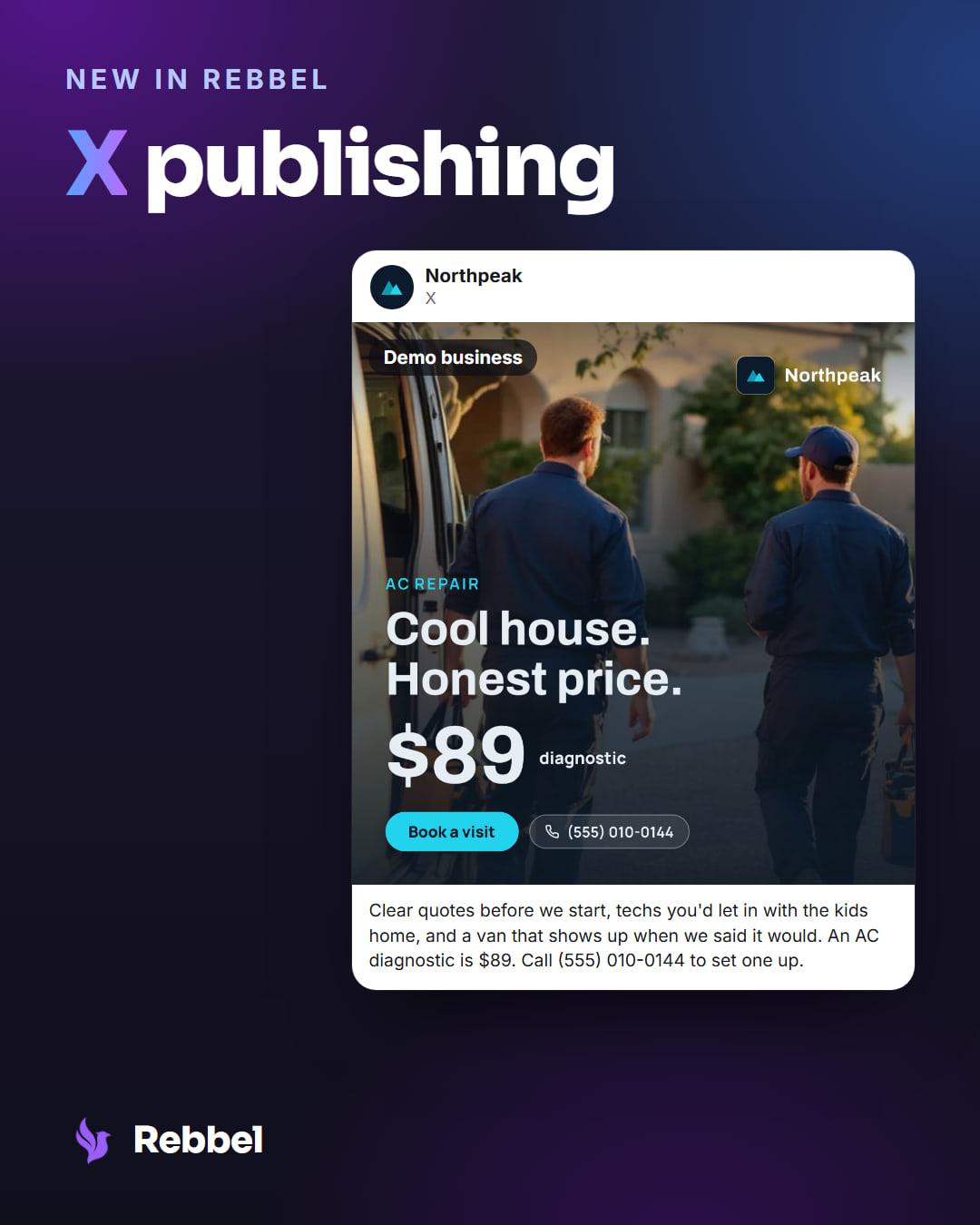
Approved posts now publish to X, with up to four images. You approve each one first; Rebbel posts from your connected account. Setup is in the guide.
Setup guide →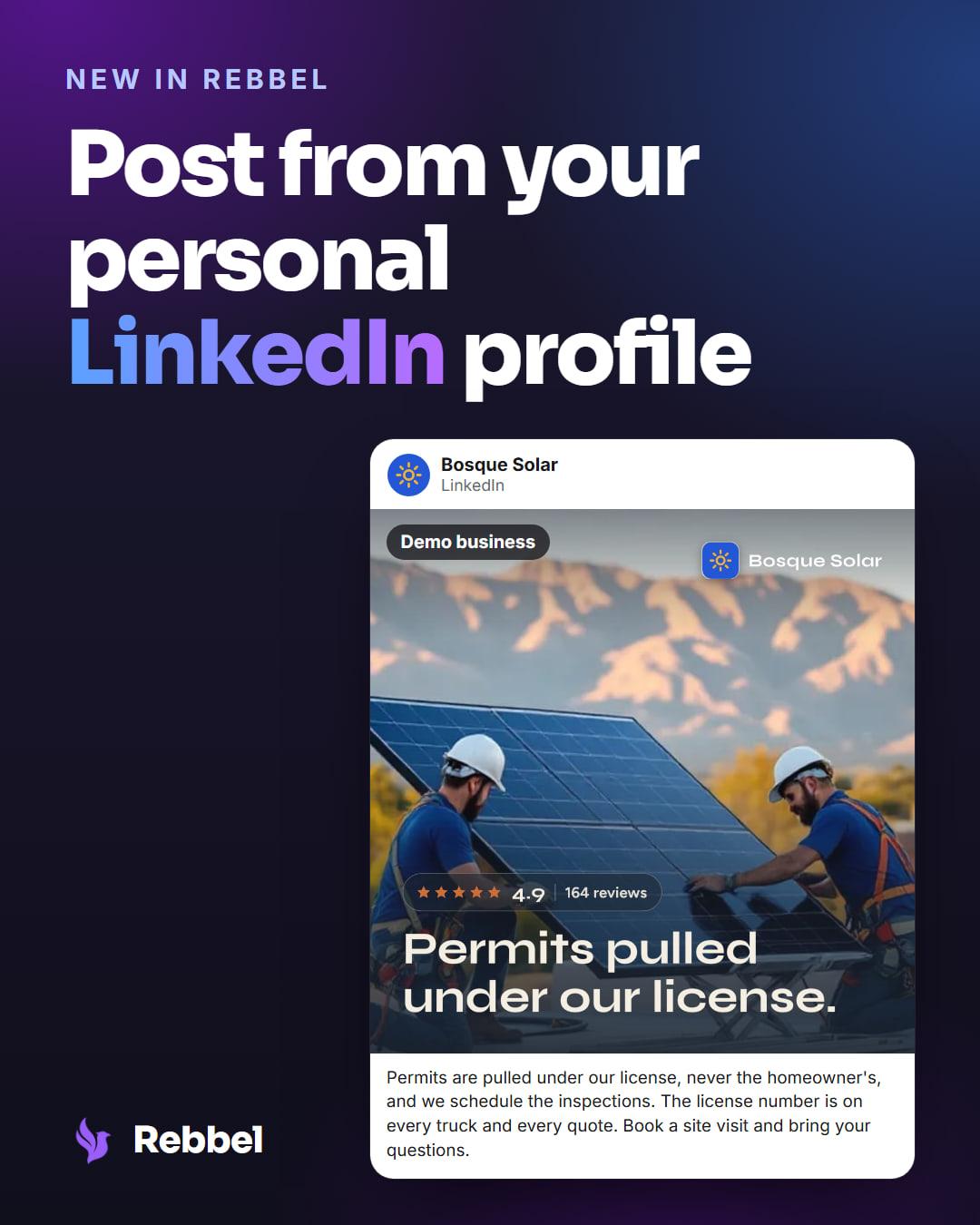
UpdateSep 24, 2026 · Solo and above
Post from your personal LinkedIn profile
Rebbel now publishes approved posts from your own LinkedIn profile, in your first-person voice. You approve every post first. Setup steps are in the guide.
Setup guide →
Last reviewed Nov 14, 2026.